iMac 27-inch
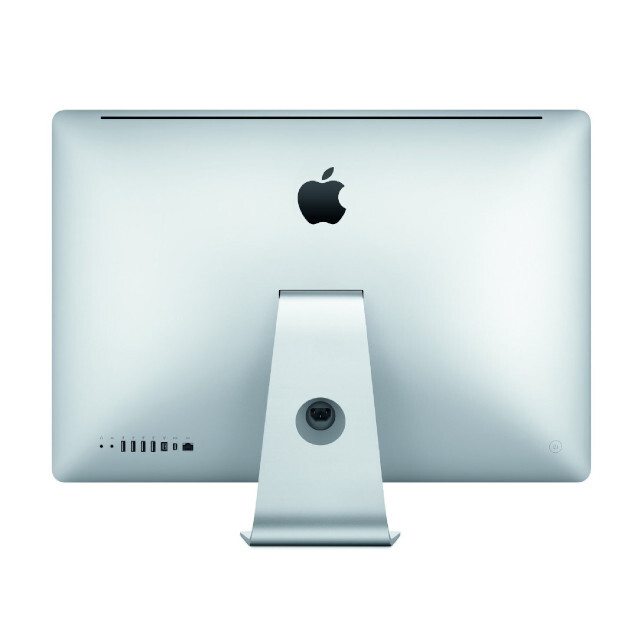
iMac 27″ (A1312) repair – professional diagnosis and repair
The iMac 27″ (A1312) is one of Apple’s most robust models (2009–2011), but today it commonly shows faults related to thermal and electrical ageing. If your machine won’t power on, shuts down unexpectedly or shows graphics issues, repair is feasible in most cases — especially when addressed at component level.
Most common faults in the iMac A1312
1️⃣ Won’t power on / No signs of life
- Power supply failure.
- Short-circuit on the logic board.
- Faults in power rails (PPBUS, 12V, etc.).
- Degraded capacitors.
2️⃣ Shuts down after a short time
- Overheated GPU.
- Deteriorated BGA solder joints.
- Faulty thermal sensors.
3️⃣ Screen shows lines or artefacts
- Graphics card failure.
- VRAM issues.
- Damaged LVDS connector.
4️⃣ Fans running at full speed constantly
- Thermal sensors disconnected.
- Hard drive replaced without the correct thermal-sensor bridging.
5️⃣ macOS won’t boot / Kernel panic
- Damaged SSD/HDD.
- Faulty RAM.
- System corruption.
Can the iMac A1312 logic board be repaired?
Yes. In many cases it’s not necessary to replace the entire board. component-level repair allows you to:
- Replace damaged MOSFETs.
- Repair power-management circuits.
- Rework critical solder joints.
- Replace specific ICs without swapping the whole logic board.
This significantly reduces the cost compared with a full replacement.
When is repair not worthwhile?
From a technical and economic standpoint, repair is usually not worthwhile when:
- The board has multiple burn marks.
- There is extensive liquid corrosion.
- The repair cost exceeds the machine’s actual value.
In those cases we recommend considering parts salvage or upgrading.
Recommended upgrades when repairing
If you plan to have the machine serviced, we recommend:
- Replace HDD with an SSD.
- Upgrade RAM.
- Renew thermal paste.
- Clean the cooling system.
With these upgrades the iMac A1312 can continue to operate for several more years.
Estimated repair times
- Diagnosis: 24–48 hours.
- Standard repair: 2–5 days.
- Complex microelectronics cases: timing varies depending on damage.
Is it worth repairing an iMac A1312 in 2026?
It depends on intended use:
✔ Basic editing
✔ Office work
✔ Home server
✔ Secondary workstation
Not recommended for:
✖ Contemporary heavy rendering
✖ Intensive 4K editing
Professional recommendation
Before writing it off, obtain a real technical diagnosis. Many iMac A1312 units labelled as “dead board” are repairable.
If you wish, I can prepare for you:
- ✅ Indicative quote by fault type
- ✅ Step-by-step troubleshooting guide
- ✅ SEO-optimised landing page for your website
- ✅ Technical checklist for electrical diagnosis
Tell me which you need.
